
Install the Android app
Add Private VPN Proxy to a compatible Android device from the service's official store listing.
Download Private VPN Proxy, choose Australia, and start an encrypted Android connection in one tap. Select Australia in Private VPN Proxy when an Oceania route suits your connection. The Android app reduces setup to a country choice and a clear power control while still giving you access to protocol and privacy settings.
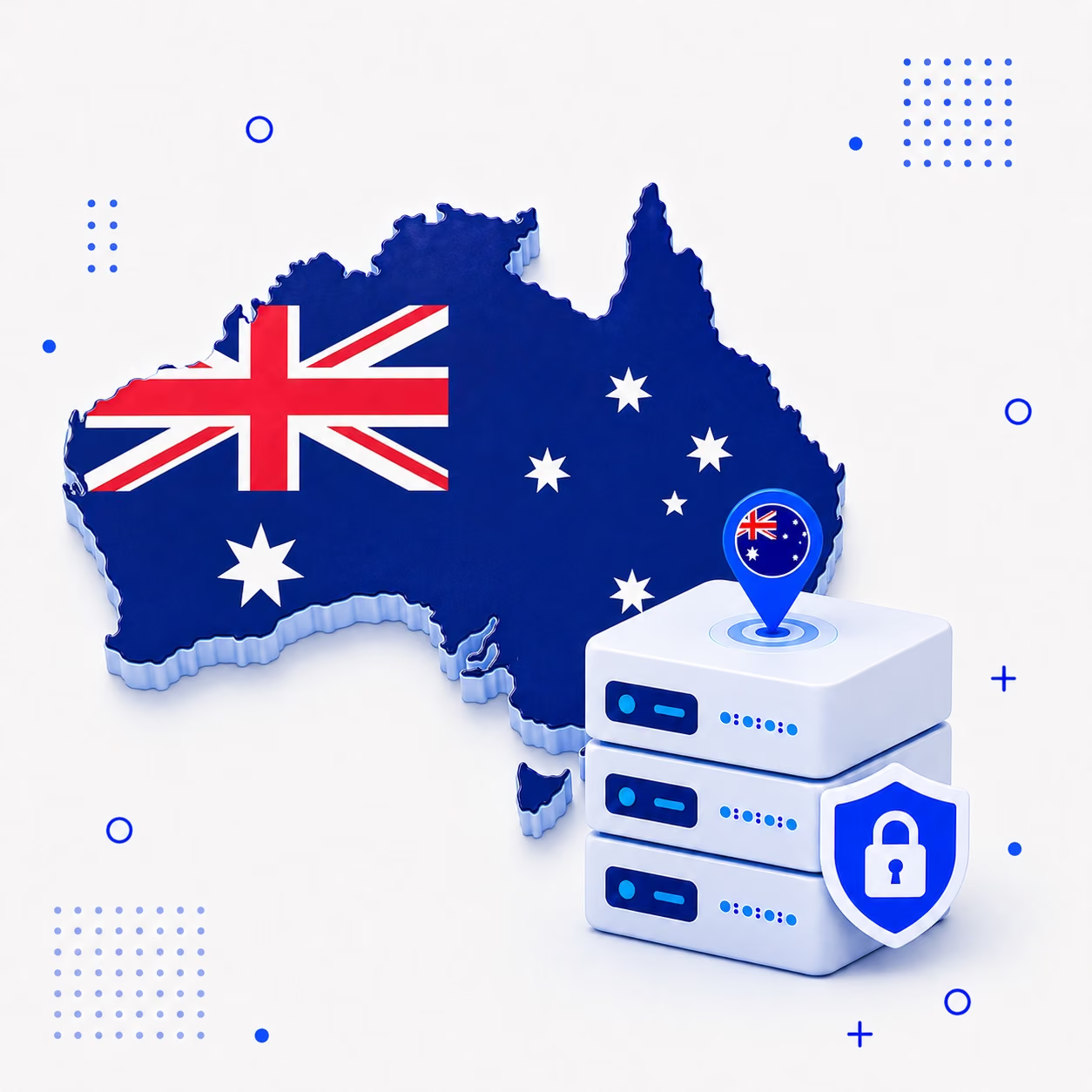
The route can be prepared without desktop software, configuration imports, or copied server credentials. Confirm that Australia is currently displayed in the app before connecting.
Add Private VPN Proxy to a compatible Android device from the service's official store listing.
Use the destination browser to find Australia and make it the selected server route.
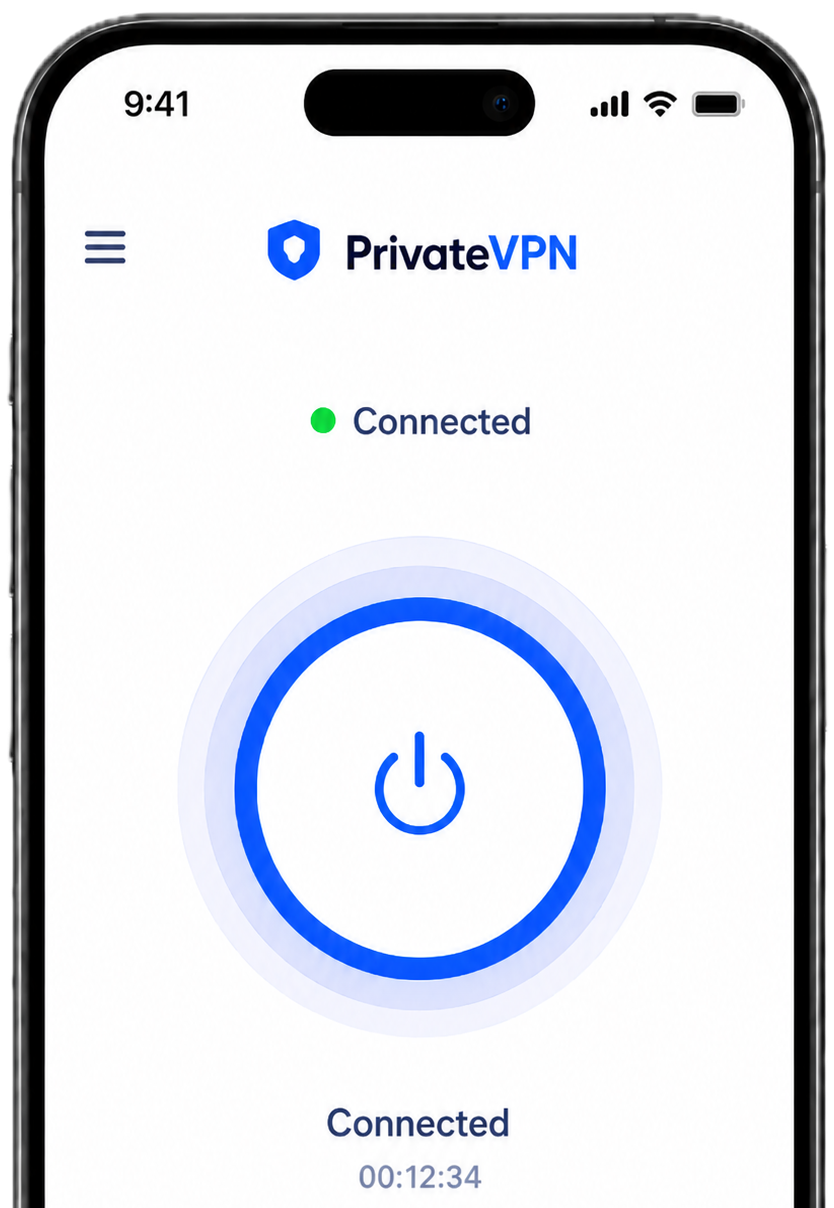
Start the VPN and confirm the protected state before sending traffic through the Australian connection.
A recognizable Oceania option combines with mobile safeguards for travel, work, and ordinary personal browsing.
The in-app entry avoids technical server details and gives the Australian route a consistent place alongside other destinations.

The tunnel can reduce exposure on airport, hotel, library, or venue Wi-Fi where the local infrastructure belongs to someone else.

Connection state remains visible so you can detect a drop, change protocol settings, or stop the route when it is no longer required.

Free and premium availability is shown inside the application. Check whether Australia appears in the current free country set before planning to use that route.
If conditions or limits apply, the interface presents them with the relevant plan choices so you can review the details first.

Install Private VPN Proxy, open its location list, and choose Australia. Press the main control and let the status display confirm that the encrypted route has formed.
Open the official Google Play listing
The worldwide directory remains available after connection. Compare the Australian endpoint with another country and change routes from the same installation. The live in-app list determines which routes are currently available.
Use a collection of understandable safeguards while Android traffic follows the Oceania route.
Select Australia by name instead of entering an endpoint address.
Choose between supported tunnel methods according to current network behavior.
Check whether the Australian route is active before continuing elsewhere.
Help supported domain lookups remain within the protected connection path.
Protect data traveling from the device across the local access network.
Manage the Australian session without desktop-style configuration screens.
Current features can vary by app version, server and plan. Review the options shown in the Android app before connecting through Australia.
 Country selection
 WireGuard support
 OpenVPN support
 DNS leak protection
 Kill switch support
 Visible connection status
 Split tunneling
 Android compatibility
 Free and premium choices
 One-tap connection
 Public Wi-Fi protection
 No registration required
Review the essentials of choosing, connecting, and monitoring an Australian destination.
Private VPN Proxy establishes an encrypted path from Android to the chosen Australian endpoint and routes eligible traffic through it.
Yes. The country appears in a standard location list, so no server address or certificate import is required for normal setup.
It depends on current availability. Check the app's free and premium country information before connecting.
Long route distance, network congestion, and provider peering can add latency that a VPN application cannot eliminate.
No. Each website controls its own availability, account rules, and VPN policies independently.
The current consumer release is intended for compatible Android phones and tablets through Google Play.
Get the Android app from Google Play, choose Australia from the country list, and start your encrypted connection with one tap.

 Afghanistan
 Albania
 Algeria
 Andorra
 Angola
 Antigua and Barbuda
 Argentina
 Armenia
 Austria
 Azerbaijan
 Bahamas
 Bahrain